
Most photo edits that actually move the needle come down to two needs. Clean separation, and consistent style. Sometimes you only need one of them, so it is better to evaluate them as two independent tools instead of forcing a single workflow.
Below is a total. detail. total breakdown of both capabilities, with quick competitor comparisons so you can pick the right option fast.
Tool 1. Background removal, when you need clean cutouts
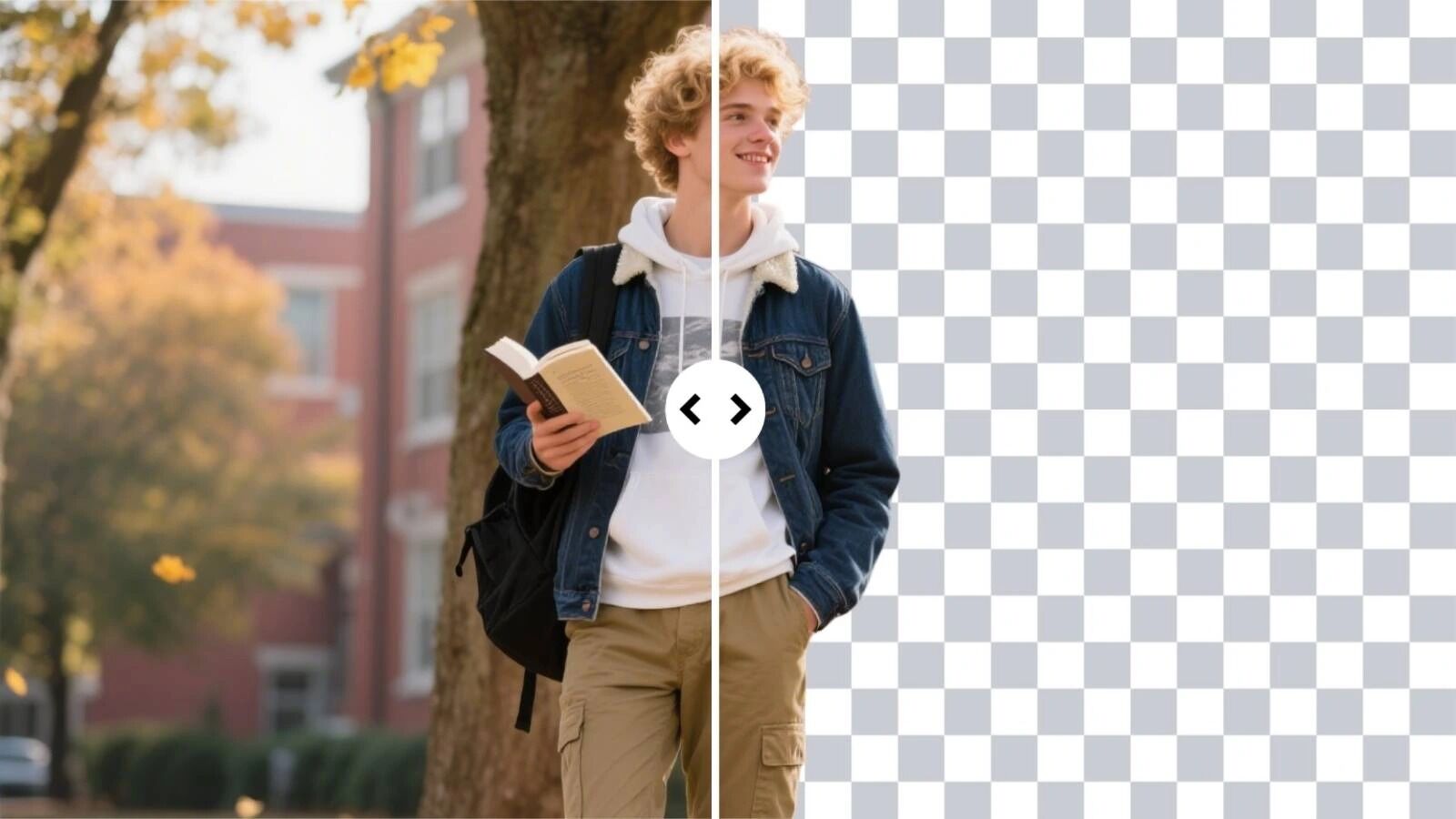
If your images look busy, cluttered, or unprofessional, the fastest win is removing the background and exporting a clean subject layer. A background remover is best when your goal is reusable assets for ecommerce listings, thumbnails, profiles, and design templates.
A practical option is ai background remover, which automatically removes backgrounds and can export a transparent PNG for reuse. Ezremove
Quick steps
Start with the clearest source photo you have. Strong edge contrast helps.
Upload the image and run background removal. Ezremove
Inspect edges at normal zoom. Hair, fur, and thin product details are where errors show up first.
Export a transparent PNG if you plan to reuse the subject in multiple designs. Ezremove
Competitor snapshot, background removal
Option | Best for | Strengths | Tradeoffs |
EzRemove background removal | Quick cutouts for products, people, pets | Automatic removal, transparent PNG export Ezremove | Complex edges may need retries |
remove.bg | One click background removal | Automatic, designed for fast results remove.bg | Less of a design workspace, output depends on image |
Canva BG Remover | Cutout plus quick design layout | Built into a design editor, includes manual refine tools Canva+1 | Best when you already work in Canva |
Adobe Express remover | Background removal with editor handoff | Remove background, then continue in Express editor adobe.com | More steps if you only want a cutout |
Pixelcut background remover | Quick cutout plus simple exports | Fast, positioned as free and no sign up, offers HD download Pixelcut | Features and quality vary by subject |
Tool 2. Image to image AI, when you need style consistency or variations
If your background is fine but your visuals feel inconsistent, image to image is often the better lever. It helps you restyle an existing photo while keeping the original structure, which is useful for creating a cohesive set for ads, seasonal creatives, or a branded social feed.
A direct option is Free Image to Image AI Generator, positioned for restyling and transformations while maintaining pose and composition, with fast generation and high resolution downloads. Ezremove
Quick steps
Upload a clear source image. Higher resolution inputs usually produce cleaner results. Ezremove
Choose one style direction for a batch, like studio lighting, cinematic tone, watercolor, or minimal product look. Ezremove
Write a short prompt focused on lighting, mood, and texture.
Generate a few variations, then pick the one that preserves identity. Logo details, product shape, and faces should stay reliable. Ezremove
Check for artifacts. Text distortion and odd shadows are common failure points in many generators.
Competitor snapshot, image to image restyling
Option | Best for | Strengths | Tradeoffs |
EzRemove image to image | Quick restyling from your own image | Emphasizes preserving composition, fast iterations Ezremove | Like most generators, can produce artifacts |
Adobe Firefly image to image | Variations from a reference image | Dedicated image to image feature for transforming photos adobe.com | Often tied to an Adobe ecosystem and credits |
Runway image to image | Creative transformations and sequences | Clear guidance for consistent looks across outputs Runway Academy+1 | More of a creative suite than a single purpose tool |
Stable Diffusion img2img | Power users who want control | img2img offers control over composition and color Stable Diffusion Art+1 | Setup and tuning take time |
Midjourney Remix | Iterating on generated images | Lets you adjust prompts while making variations Midjourney+1 | Less “editing” oriented, more generation oriented |
Pick the capability that matches your bottleneck
Background removal is for clarity and reuse. Image to image is for consistency and scalable variation. For most teams, the best move is to start with the problem that costs you the most time today. If you are manually cutting out subjects, start with background removal. If your feed or catalog looks mismatched, start with image to image restyling. Then standardize what works into a repeatable mini process you can run on every new batch.




(0) comments
We welcome your comments
Log In
Post a comment as Guest
Keep it Clean. Please avoid obscene, vulgar, lewd, racist or sexually-oriented language.
PLEASE TURN OFF YOUR CAPS LOCK.
Don't Threaten. Threats of harming another person will not be tolerated.
Be Truthful. Don't knowingly lie about anyone or anything.
Be Nice. No racism, sexism or any sort of -ism that is degrading to another person.
Be Proactive. Use the 'Report' link on each comment to let us know of abusive posts.
Share with Us. We'd love to hear eyewitness accounts, the history behind an article.